
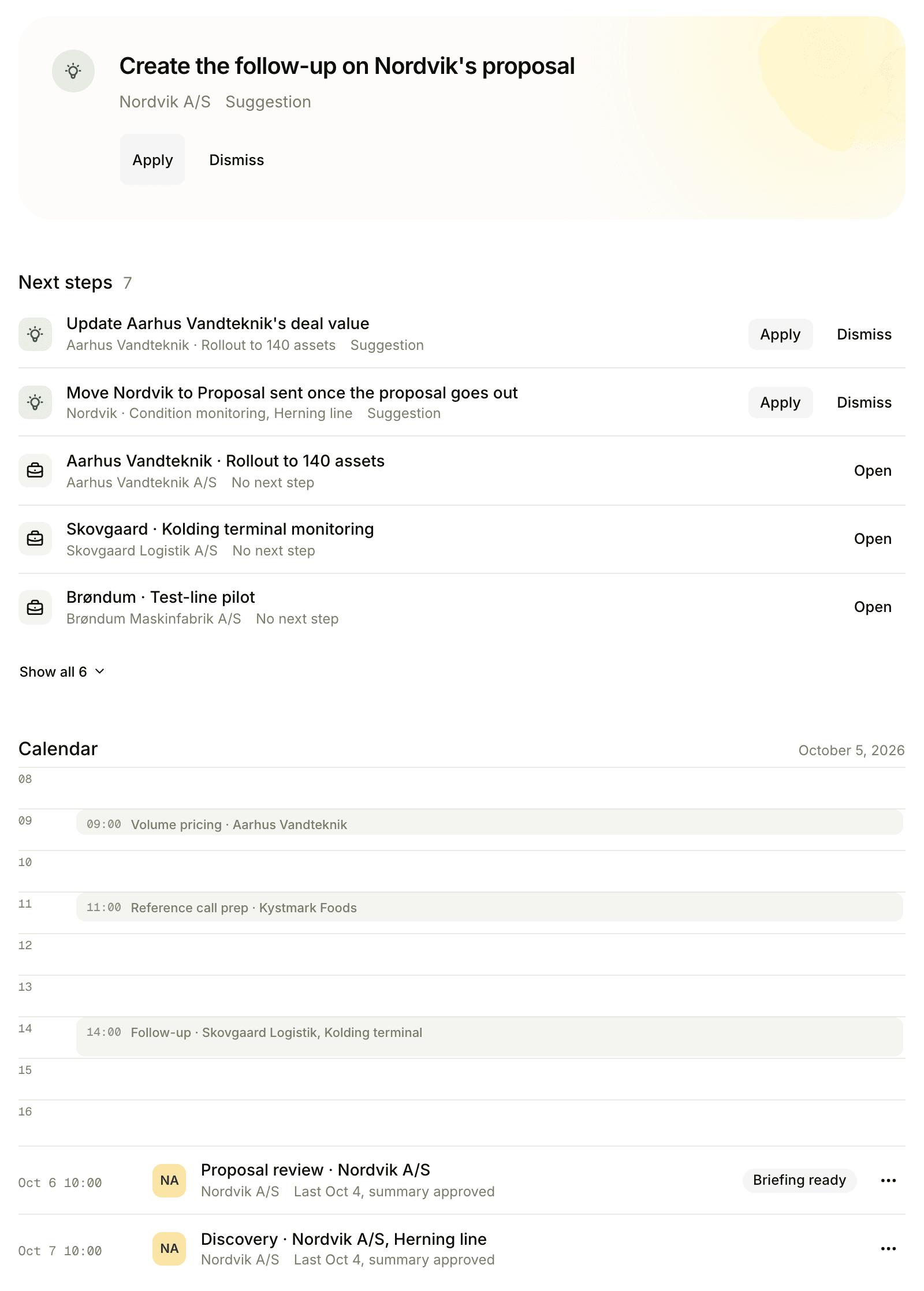
Your calendar is Floral’s home screen
Capture everything, automatically: the calendar is what tells Floral a conversation is about to happen.
Connect Google Calendar or Outlook, and Floral handles the rest - pre-meeting briefings, recorder scheduling, and post-meeting CRM data flow. No habit changes for the rep. No new place to look.
One OAuth click, four things start happening
Connect once, every meeting handled
Sign in with Google or Microsoft and grant calendar read access. From that moment, every external meeting that lands on your calendar gets a pre-meeting briefing and (optionally) a queued recorder bot. No per-meeting setup.
No OAuth? Forward invites by email
Locked-down corporate calendar? Floral gives every workspace an inbound email address. Forward the calendar invite, and the meeting appears in Floral with the briefing pipeline running - no IT ticket required.
Forward any calendar invite to your workspace address. Floral parses the .ics, creates the meeting, and starts the briefing.
What Floral does with calendar access
Google + Microsoft
Google Workspace, personal Gmail, Microsoft 365, and on-prem Exchange - all supported via OAuth.
Per-workspace email
Email-forward fallback for teams where OAuth is restricted. Same briefing pipeline.
Per-user connection
Each teammate connects their own calendar. Admins see who has connected; nobody sees event contents but the user.
External-meeting detection
Floral auto-briefs meetings with external attendees. Internal one-on-ones are skipped by default.
Read-only access
Floral never modifies, creates, or deletes calendar events. Read scope only. Revoke any time from settings.
Daily preview email
Optional daily morning email summarising today’s meetings with quick links to each briefing.
Pairs well with
Frequently asked
Google Calendar (Google Workspace and personal Gmail) and Microsoft Outlook / Exchange (Microsoft 365 and on-premise Exchange). Both connected via OAuth - Floral never sees your password.
You can forward calendar invites to a workspace-specific email address. Floral parses the .ics attachment, creates the meeting, and generates the briefing - without ever needing calendar access.
Yes for OAuth-connected calendars - Floral reads events to build briefings and detect external meetings. It does not modify or delete events. You can revoke access in one click from settings.
Yes. Each user connects their own calendar individually. Workspace admins can see who has connected (or not) but cannot see the calendar contents themselves.
External meetings (with at least one attendee outside your org) are briefed automatically. Internal meetings can be opted in. Admins can refine the rules per workspace.
Insights
Read more
9 min read
The B2B sales meeting preparation checklist (with a 15-minute version)
A practical sales meeting preparation checklist for B2B reps: a 45-minute version for enterprise discovery and a 15-minute version for mid-cycle calls.
Wire it up in 30 seconds
One OAuth click - and tomorrow morning, every meeting on your calendar is briefed and ready.