
Every deal, with every meeting that moved it
Floral deals are not a database row with a probability dropdown. They are the centre of a web that links back to every briefing, summary, task, and conversation that pushed the deal forward - and the forecast stays honest because the data is grounded in actual meetings.
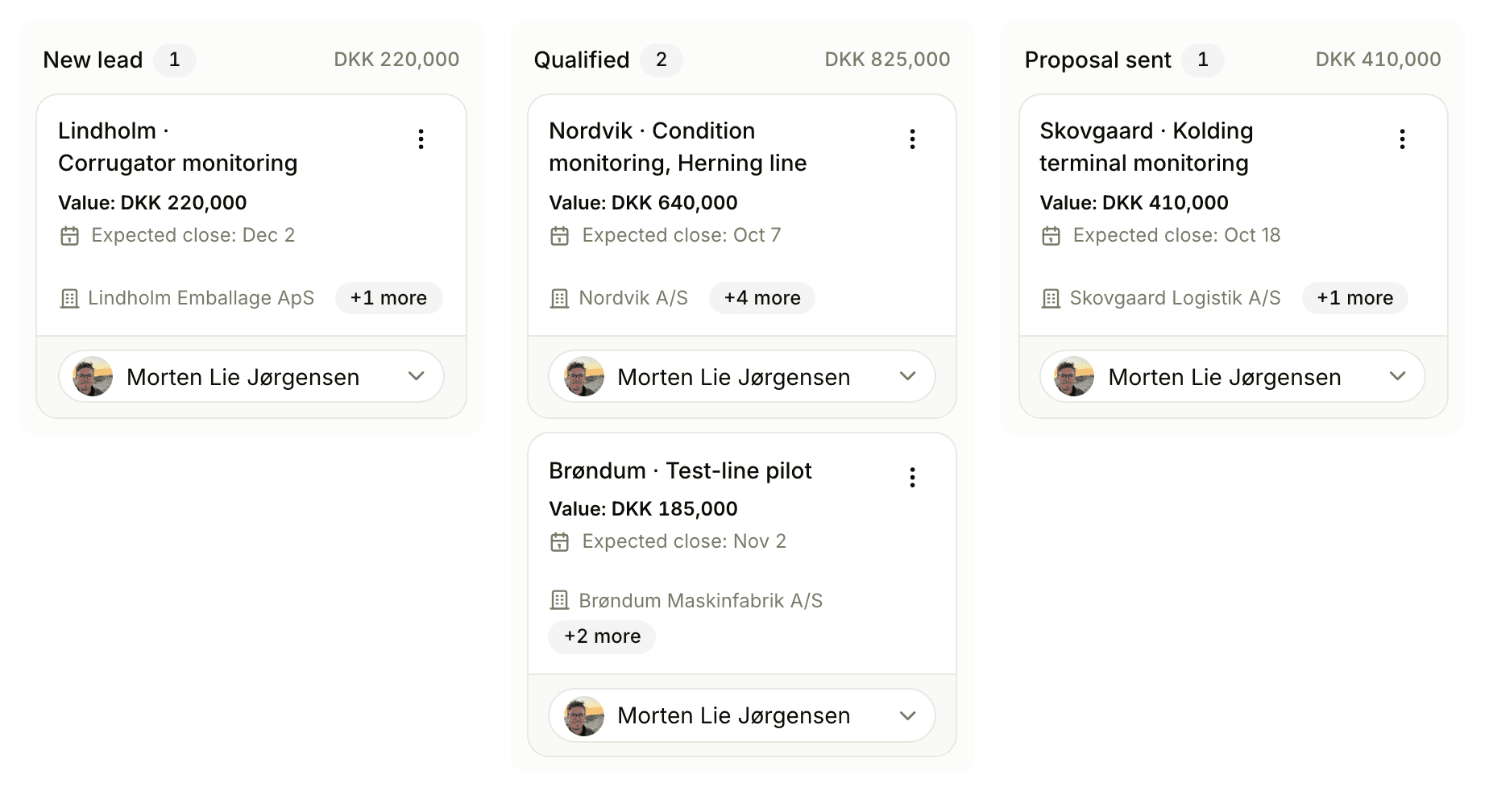
A deal in Floral
Multi-owner
Avatar stacks on every card. Filter "my deals" matches any deal you are on, not just the primary.
Primary + extra contacts
One primary for default outreach. Any number of related contacts, each with their own timeline.
Weighted forecast
Value × probability, summed across visible deals. Filters apply, so views give personalised forecasts.
Lost-reason tracking
Price, Timing, Competitor, No budget, No decision, Other. Filterable patterns in insights.
Linked briefings & summaries
Every meeting that touched the deal is one click away. Open a deal, see the conversation history.
Four value modes
kr., stage-based, Low/Med/High, or 1–10 score. Pipeline-level choice; deal inherits.
The card, expanded
Related items
Tasks, notes, briefings, summaries, activities - all surface on the deal detail, with inline "+ Ny" buttons.
Multiple companies
Some deals span multiple companies (partner deals, joint procurement). Floral handles many-to-many out of the box.
Custom fields
Eight field types - text, multiline, URL, number, boolean, datetime, single-select, multi-select. Per workspace.
Frequently asked
Yes. Avatar stacks on every deal card show all owners. Filter "my deals" picks up any deal where you are an owner - useful when an AE and a CS rep co-own an expansion.
It shows weighted open value (deal value × stage probability) across all visible deals, total open value (unweighted), and deal count per stage. Filters apply - so a filtered view of "my deals only" gives a personalised forecast.
Yes. Every deal has one primary contact (for default outreach) and any number of related contacts. Each contact’s timeline includes every deal they appear on, primary or not.
When you mark a deal as lost, Floral asks for a reason - Price, Timing, Competitor, No budget, No decision, Other. Reasons are filterable in insights so leadership can spot patterns.
Yes. Briefings and approved meeting summaries can be linked to a deal. Open a deal, see every meeting and brief that touched it. Open a meeting, see which deals it advanced.
Insights
Read more
8 min read
Why your sales forecast is wrong: five CRM fields that lie to you
Sales forecast accuracy rarely fails because reps lie. It fails because five CRM fields cannot hold the truth. Here is what each field hides, and how to check it.
Forecast on real conversations
Let approved meetings drive your pipeline state instead of weekly forecast calls.