
The bot that joins your Zoom, Teams, and Meet calls
Capture everything: calls on Zoom, Teams and Meet, captured the same way as the ones in the room.
Floral’s online recorder joins your customer calls as a clearly-labelled participant, captures the audio, and turns it into the same structured summary as in-room meetings, transcribed in Danish or English. Floral schedules the bot itself from your calendar, and bot or no bot is your choice, meeting by meeting. No browser extensions, no screen sharing, no awkward "is this being recorded?" moments.
Two ways to bring the bot to a meeting
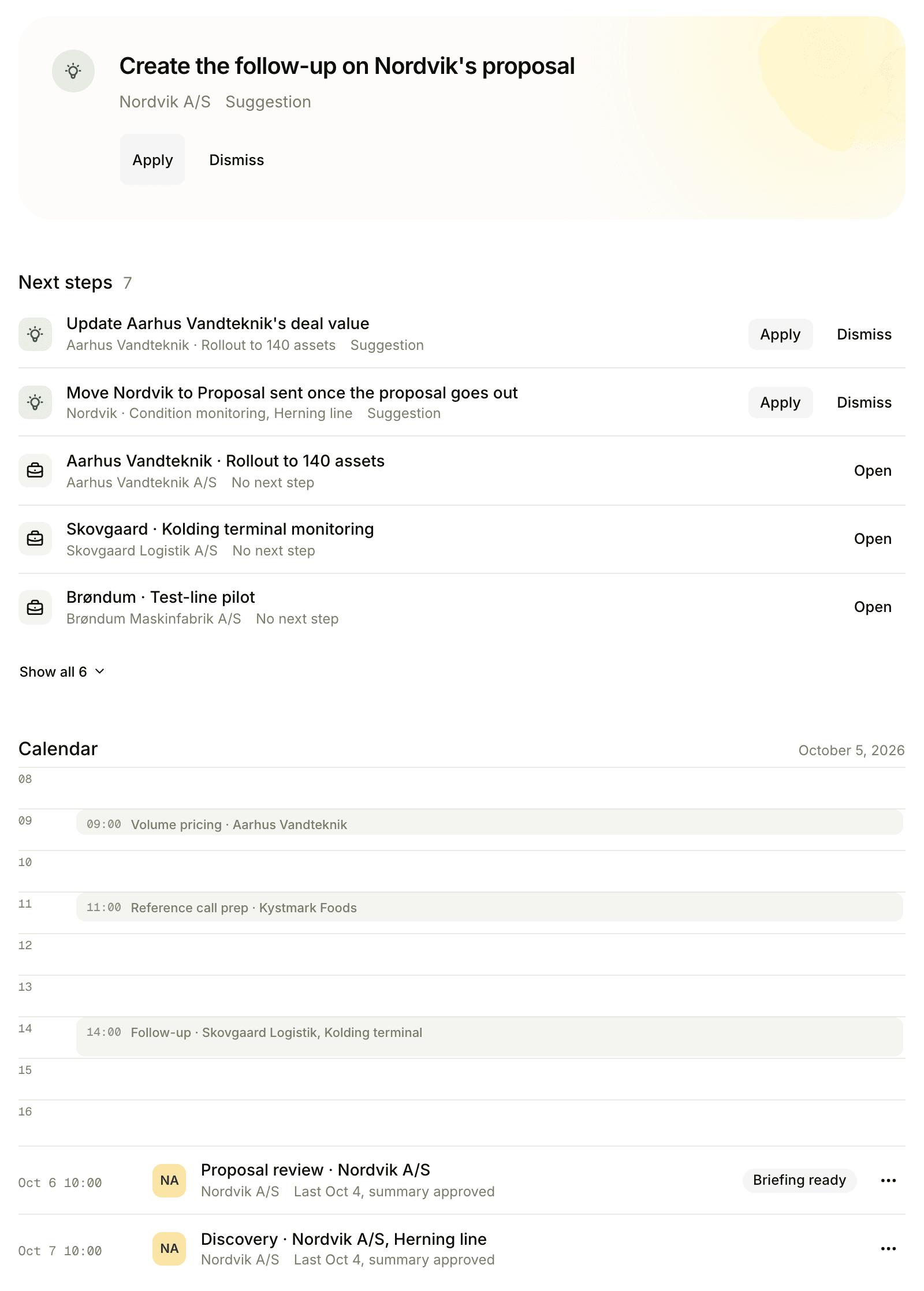
Toggle per calendar event
Open a meeting on your Floral calendar list, hit "Bring Floral to this meeting". The bot joins automatically when the call starts. Best for sensitive or one-off recordings where you want explicit control.
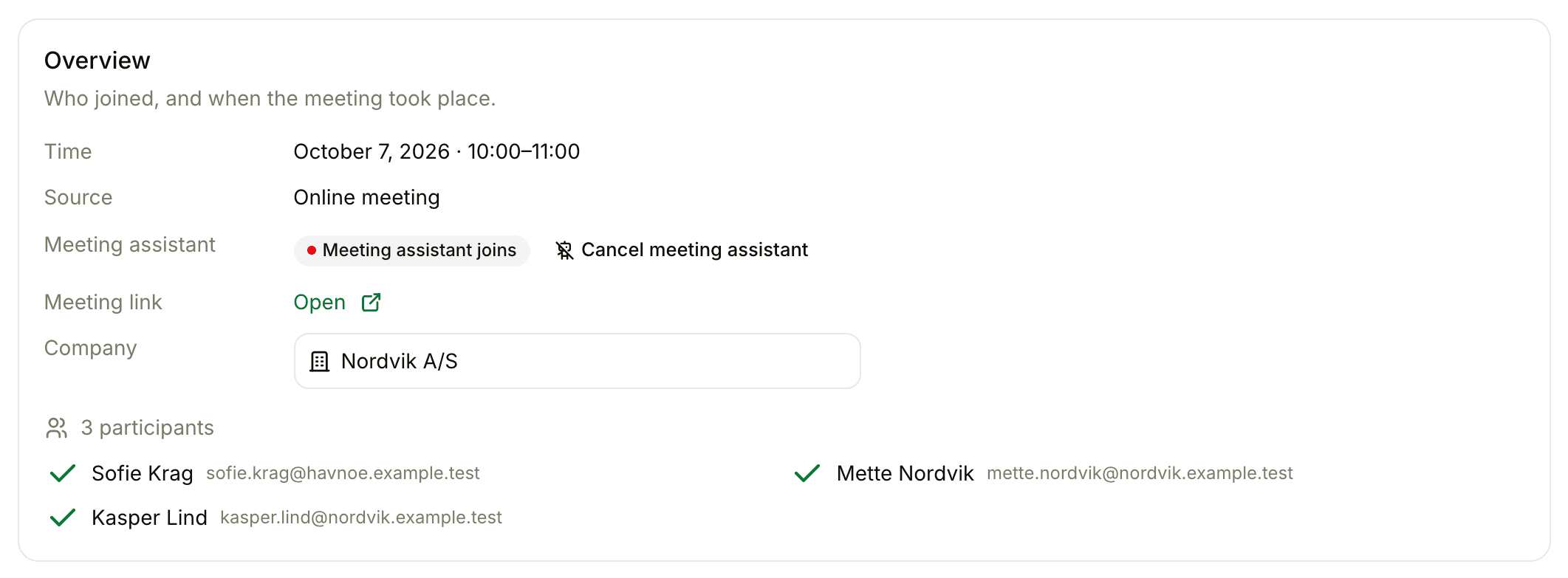
Auto-join external customer meetings
Admins can set rules: "auto-join any meeting with an external attendee", or "auto-join meetings tagged customer". The bot quietly handles the rest - every customer call captured, no internal one-on-ones touched.
The details that matter
Zoom, Teams, Google Meet
All three major platforms supported out of the box. The same bot, the same summary output, transcribed in Danish or English.
Labelled participant
The bot appears in the attendees list as "Floral notetaker". Most platforms also show a recording indicator. Never covert.
Calendar-aware
Floral reads your calendar, finds the meeting link and schedules the bot itself - nothing to invite or install. Auto-join rules can use attendees, tags, or meeting type.
Source-labelled summary
Each summary is tagged with its source - Mobile (in-room), Recall (online), or Manual - so reviewers know what data to expect.
Admin controls
Workspace admins set rules for what gets recorded. Per-user feature access can disable the bot entirely for specific teammates.
Lobby-aware
If the host has not started the meeting, the bot waits in the lobby. After 30 minutes with no admission, it leaves quietly.
Pairs well with
Frequently asked
Zoom, Microsoft Teams, and Google Meet. Powered by the Recall.ai infrastructure layer, so the bot joins exactly like a human participant - visible in the attendees list with a clear "Floral notetaker" label.
The bot joins with a labelled name ("Floral notetaker" by default, configurable per workspace), and most meeting platforms display a recording indicator. Floral never records covertly.
No. You opt in per-meeting by toggling the bot in the calendar event view, or set workspace rules - for example, "auto-join all external customer meetings". Internal one-on-ones are not recorded by default.
No. Bot or no bot is your choice. Record in the room with the mobile app, upload an audio file, or bring the bot only to the calls where it makes sense - the summary is the same either way. An "internal meeting" switch keeps any meeting out of analytics, CRM and AI updates.
The bot waits in the lobby. When the host admits it (or starts the meeting), recording begins. If no one shows up within 30 minutes, the bot leaves quietly.
Yes - every summary is fully editable before approval. Speaker labels can be corrected and the transcript can be edited inline.
Insights
Read more
8 min read
Consultant utilization rate: where the billable hours actually go (and how to recover 8 a week)
Consultant utilization keeps slipping below 70%. Here is a realistic time-audit of a typical consulting week, and where to recover the billable hours hiding in prep.
Capture every customer call, hands-free
Sign up, connect your calendar, and let the bot handle your next Zoom call.