
Record the room. Walk out with the summary.
Capture everything: the meetings that happen in a room, not just the ones on a screen.
Native iPhone and Android apps designed for one job: capturing in-room customer meetings. Tap record, talk naturally, walk back to the office with a structured summary already waiting in Floral, transcribed in Danish or English. No bot needed: for meetings in the room, the app is all you carry.
iPhone, iPad, Android phone, Android tablet
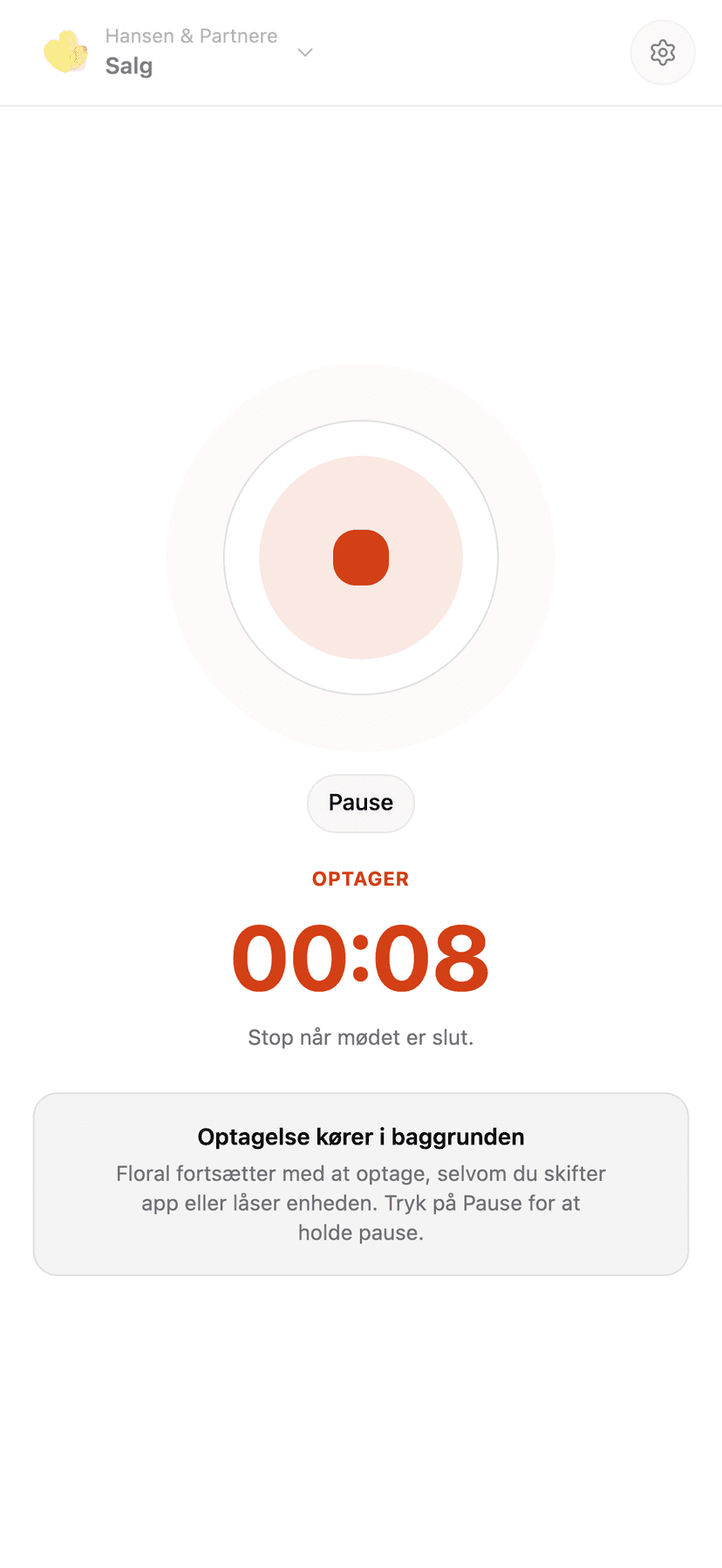
iPhone
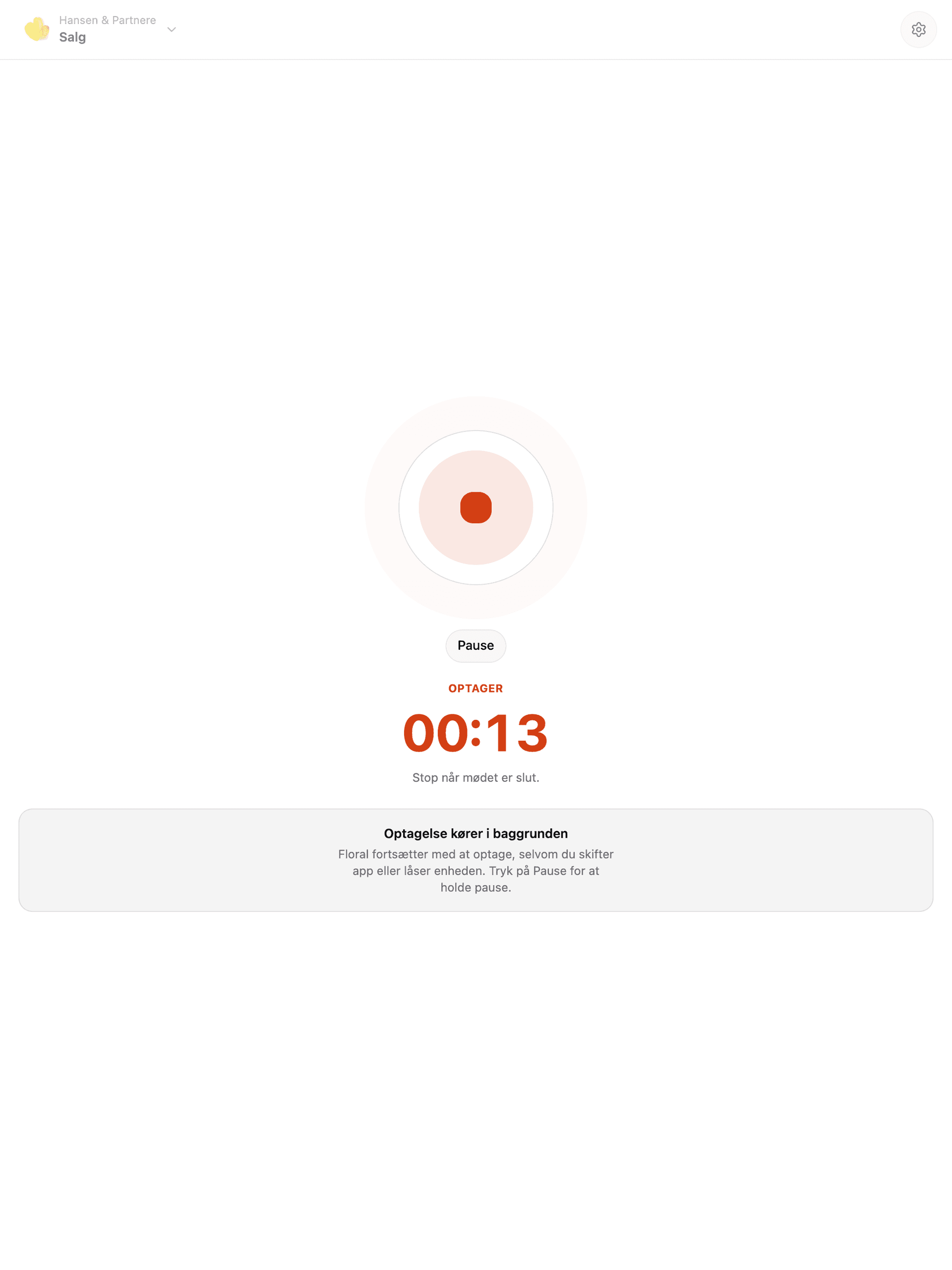
iPad
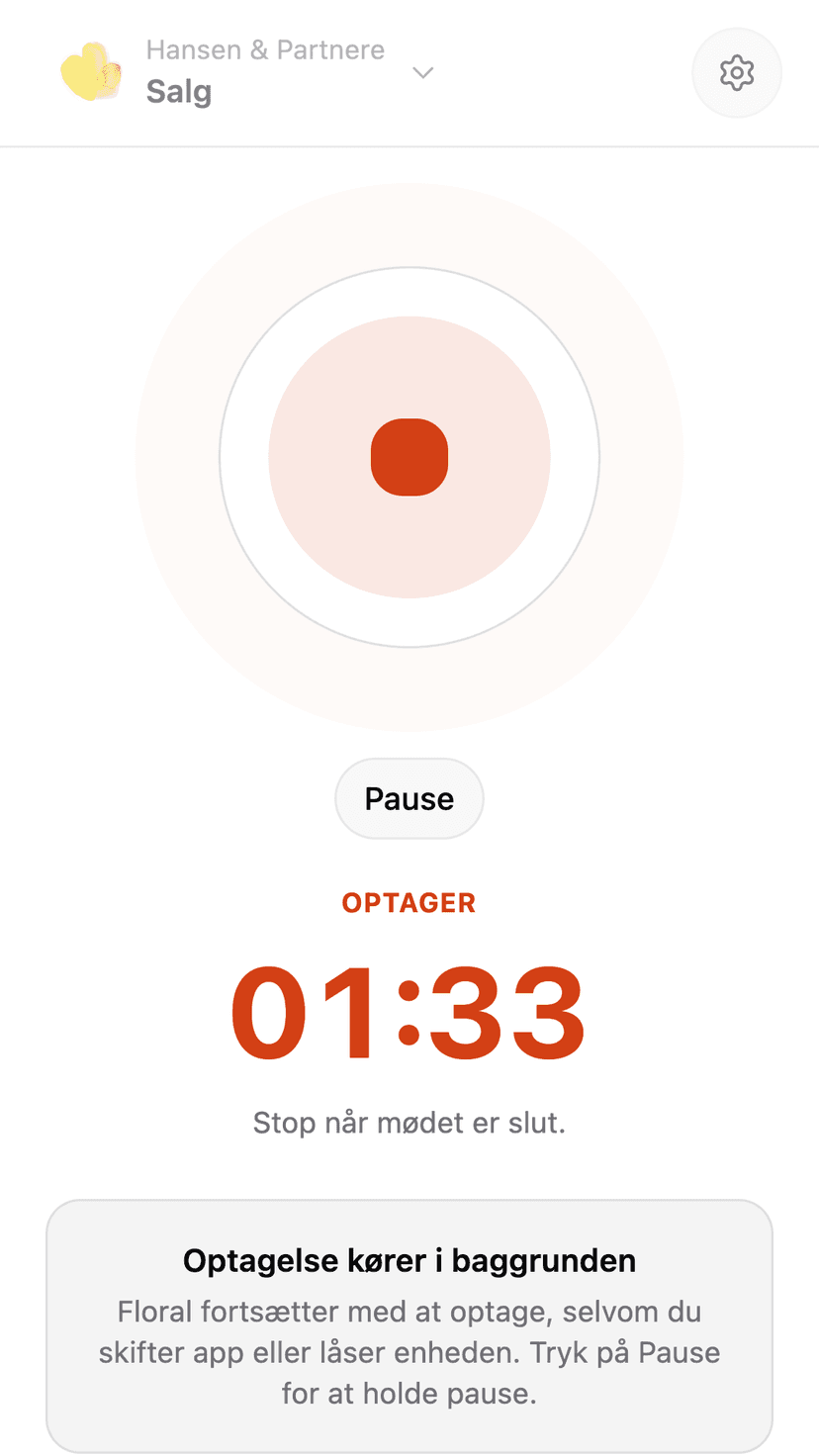
Android phone
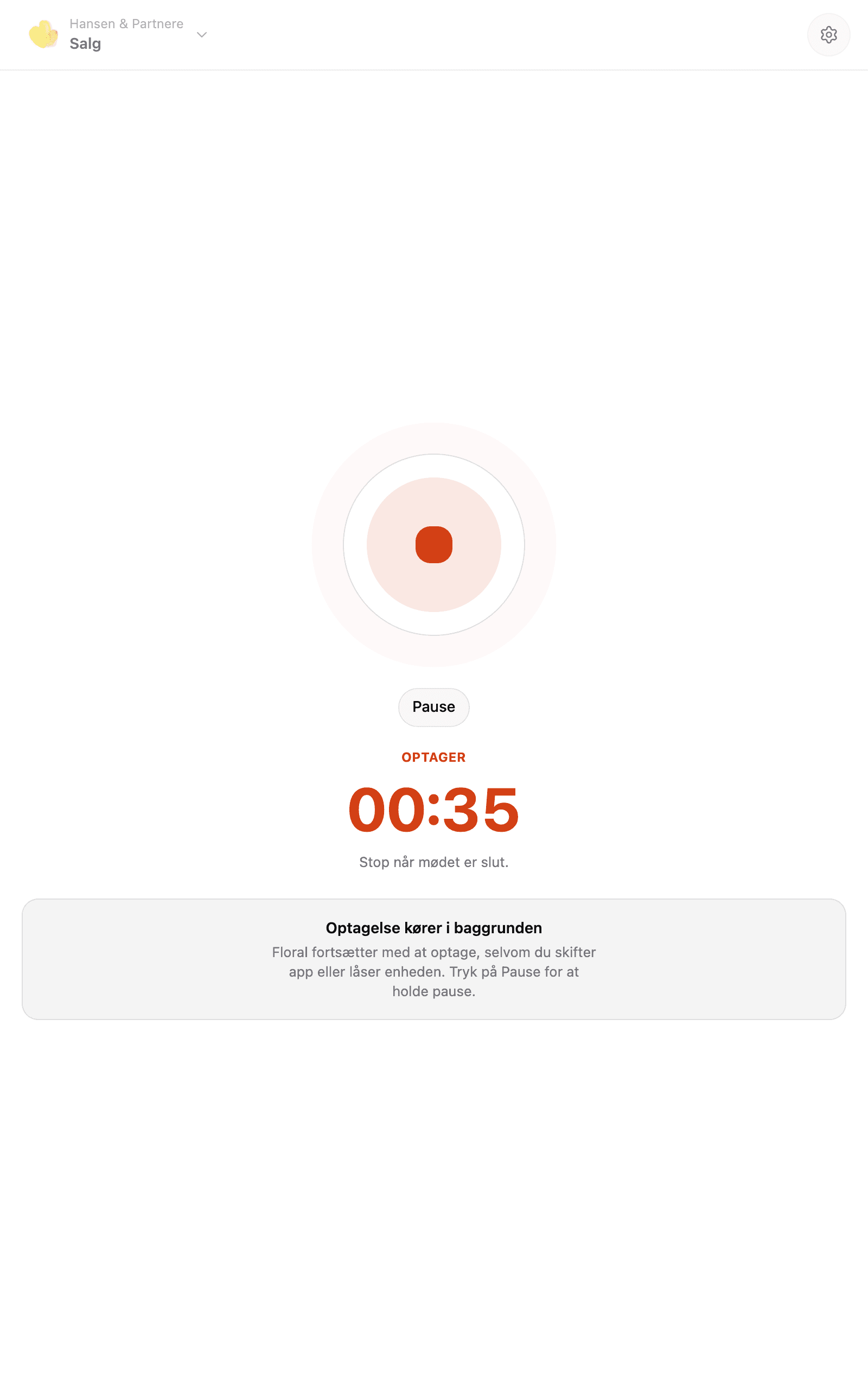
Android tablet
Built for the realities of customer meetings
Pause and resume
Coffee run mid-meeting? Pause. Side-conversation that should not be on the record? Pause. Pick up where you left off when you are ready.
Foreground-only by design
Recording stops if you switch apps or lock the phone. Floral never listens silently in the background - privacy is the default, not a setting.
Crash recovery
If the app crashes mid-recording, the audio is persisted to encrypted local storage. Recover on relaunch, retry the upload, or discard. Switch on automatic upload and it happens on its own.
EU-hosted upload
Direct presigned upload to Cloudflare R2 (EU region). Audio is auto-deleted within 7 days of transcription - never longer than necessary.
Offline-friendly
Record without internet. Upload when you are back on Wi-Fi. No-signal meeting rooms are no longer a problem.
Same AI summary
In-room recordings produce the same structured summary as online meetings. One workflow, regardless of where the meeting happens.
Frequently asked
iPhone (6.9" and earlier), iPad (13" and earlier), Android phones, and Android tablets in 7" and 10" form factors. Same workspace, same recordings, same summaries - pick whatever device is in your bag.
No, and this is intentional. Recording stops if you switch apps or lock the phone. That tradeoff means Floral never listens when you do not realise it is on - privacy by design.
The recording is persisted to encrypted local storage. When you re-launch the app, you can retry the upload or discard the audio. Nothing is lost.
On-device until you upload, then on Cloudflare R2 (EU region) via a presigned URL. After transcription, the audio is auto-deleted within 7 days. You can also discard immediately.
Recording does. Upload requires connectivity. Step out into a basement meeting room with no signal - Floral records locally and uploads when you are back on Wi-Fi, by itself if you have switched on automatic upload.
No. Bot or no bot is your choice. The app covers meetings in the room; the bot covers Zoom, Teams and Google Meet. Use one or both - the summary is the same, and an "internal meeting" switch keeps any meeting out of analytics, CRM and AI updates.
Insights
Read more
8 min read
Consultant utilization rate: where the billable hours actually go (and how to recover 8 a week)
Consultant utilization keeps slipping below 70%. Here is a realistic time-audit of a typical consulting week, and where to recover the billable hours hiding in prep.
Free up your notepad
Sign up, install the app from the App Store or Play Store, record your next customer meeting with one tap.