
Show every teammate only what they actually use
Your data stays yours: every person - and every AI agent acting for them - sees exactly what you decide, and nothing more.
A customer success rep should not navigate past a sales pipeline. A new hire should not see archive actions. Floral lets you hide entire areas, CRM surfaces, or specific actions - per teammate - so the app feels focused instead of overwhelming.
Templates at the org, fine-tuning per teammate
Templates at the org level
Org admins create reusable templates - "Standard", "Sales rep", "Meetings only", custom - and pick a default for new invitations. Templates change centrally and propagate to every member assigned.
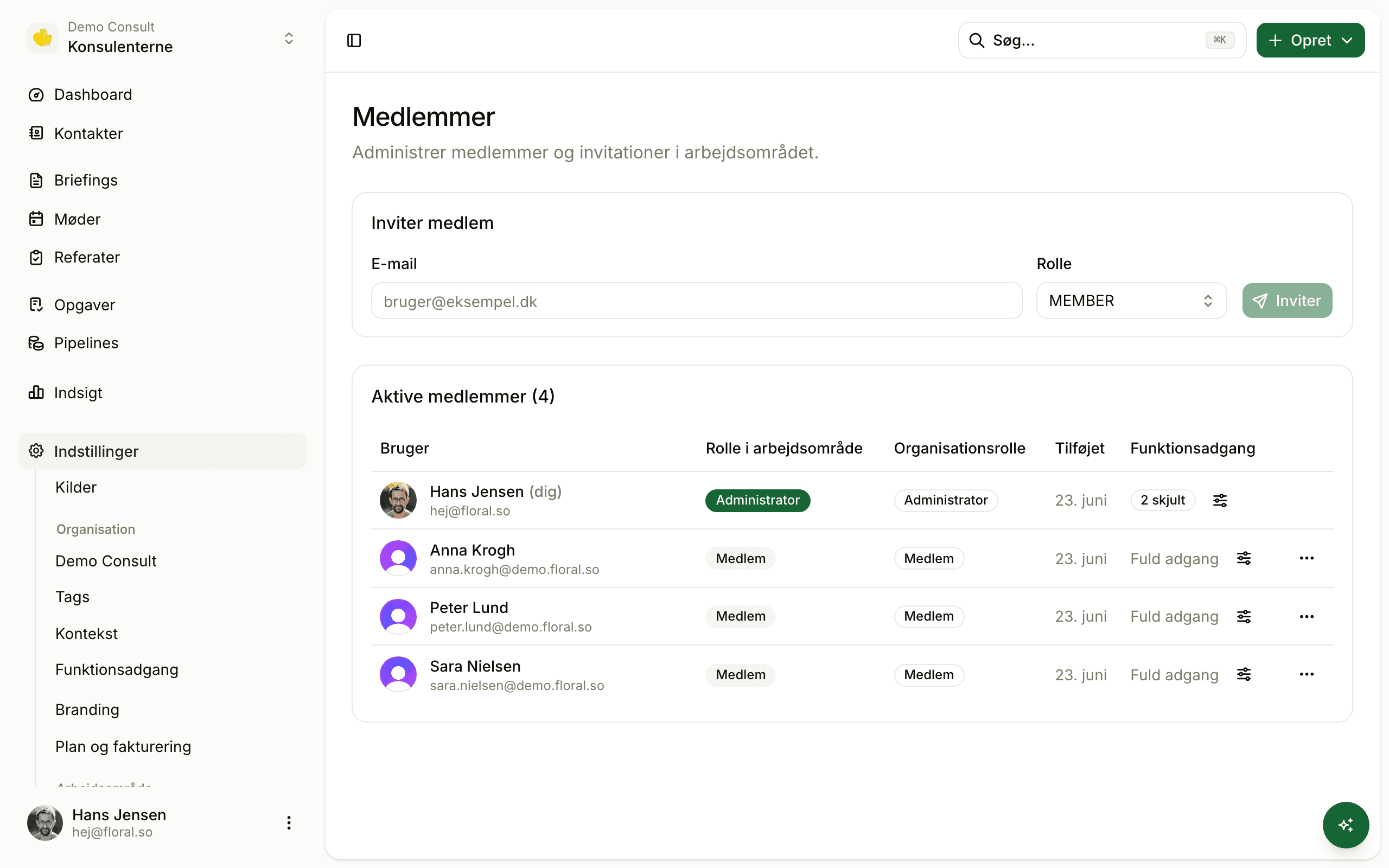
Fine-tune per teammate
Workspace admins assign a template to each member and can override individual feature toggles on top. The new hire gets "Standard minus deletions"; the contractor gets "Meetings only". No duplicated configuration.
Areas
- ✓ Meetings & summaries
- ✓ Briefings
- – Contacts
- – Insights
CRM
- – Pipelines
- – Tasks
- – Lead forms
Three control surfaces, server-enforced
Top-level areas
Meetings & summaries, Briefings, Insights, Contacts, Calendar integration. Show or hide each entirely.
CRM surfaces
Pipelines, Tasks, Lead forms, Deal linking. Hide CRM features even when the workspace has the CRM add-on enabled.
Specific actions
Notes, Tags, Categories, Change owner, Delete/Archive. Stop new hires from accidentally archiving 100 records on day three.
Server-enforced
Direct URL access returns 404. Server actions reject calls. The security boundary is the server, not the UI.
Faster onboarding
New hires see only what they need to do their job. Less cognitive load, less navigation, less "where do I click?"
Audit-friendly
Every feature toggle is logged. Compliance teams can answer "who could see X" without leaving the admin UI.
Pairs well with
Work (CRM)
Per-user access lets you roll out CRM gradually - meetings team first, then sellers.
Workspace AI context
Per-workspace tuning for what the AI cares about; per-user access for who sees it.
Workspace insights
Open insights to managers without giving them deletion rights.
Frequently asked
It is - but with a different goal. Floral does not hide features to lock users out; it hides them to keep onboarding short and the UI calm for people who only use part of the app. A customer success rep should not see a pipeline menu they will never click.
Three layers: top-level areas (Meetings, Insights, Contacts, etc.), CRM-specific surfaces (Pipelines, Tasks, Lead forms, Deal linking), and actions (Notes, Tags, Categories, Delete/Archive).
Yes. Hidden features return 404 on direct URL access and server actions reject calls. It is not just UI nudging - the security boundary is the server.
Org admins curate access templates ("Standard", "Sales rep", "Meetings only", custom). Workspace admins assign a template to each teammate and can fine-tune individual settings on top.
No. Work, Floral’s CRM is a billing concept - does this org pay for CRM? Per-user feature access is about how Floral appears to each teammate within the entitled features. The two layers work together.
Roll out Floral at your own pace
Start with the meetings team. Open up new features as people are ready. Same workspace; different views.