
Keep your CRM. Stop typing into it.
Floral pushes approved meeting summaries straight into Pipedrive, WebCRM, or Knack - as a company, a deal, contacts, and a note with the full meeting transcript. One human approval, zero manual data entry. The CRM you already have, now staying up to date by itself.
From approved summary to updated CRM in under a minute
Connect once per workspace
OAuth or API token connection in workspace settings. Floral validates the connection, runs a sample push to confirm the schema, and you are live. No professional services required.
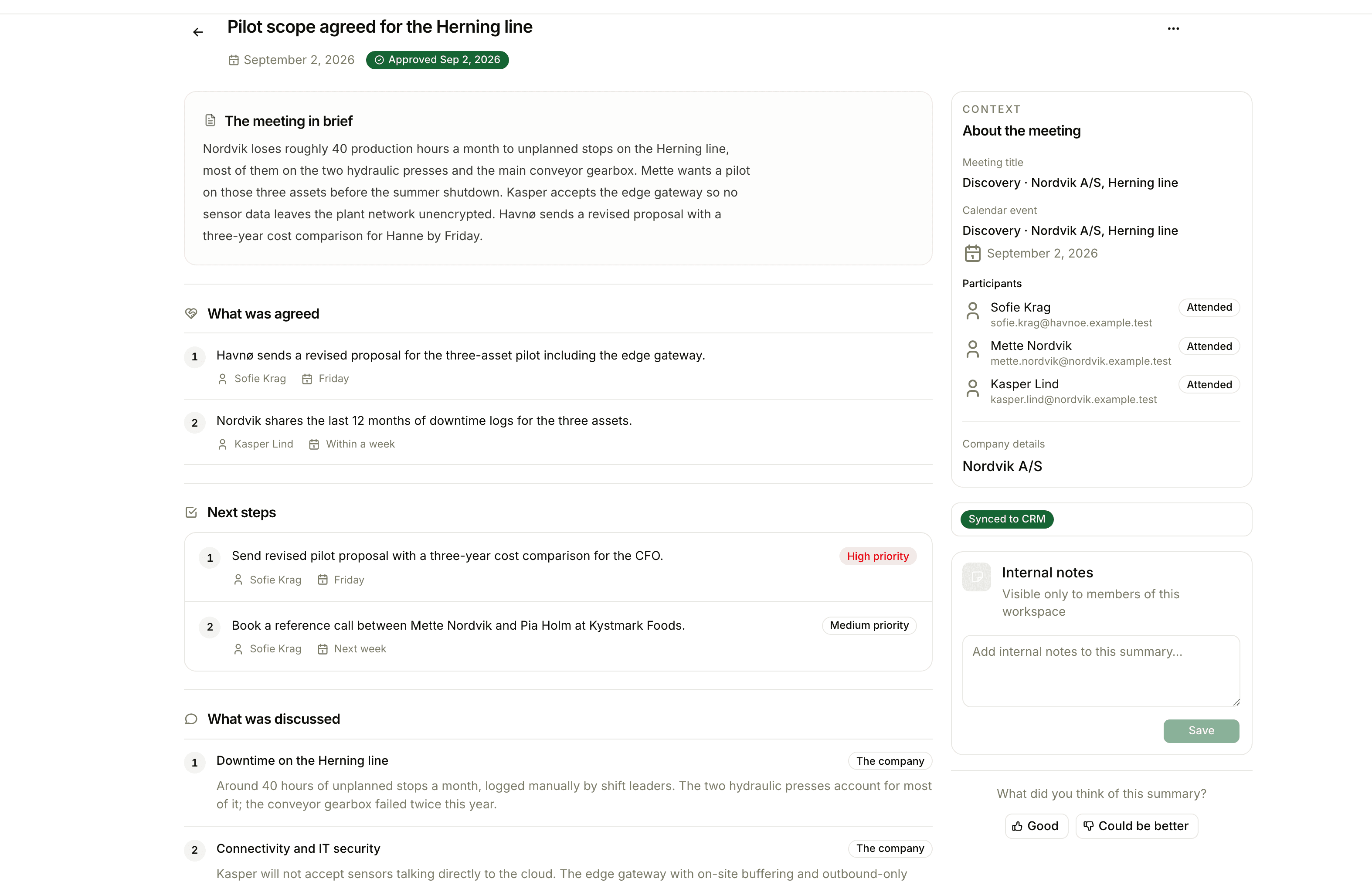
Every approved summary syncs
Approve a summary in Floral. Within seconds, the target CRM has a matched company (or a new one), a deal named after the meeting, all attendees as person records, and a note with the full structured summary linking back to Floral.
Summary approved
Acme Aps · Q2 demo · 23 May 2026
Synced to Pipedrive
Company · Deal · 3 contacts · Note
Four pieces, one push
Company
Matched by CVR if available, otherwise by exact name. New company created if no match. Address and industry copied across.
Deal
Named after the meeting (date + topic). Placed in the workspace’s default pipeline. Owner mapped from the meeting owner.
Contacts
Each meeting attendee becomes a person record (matched by email). Linked to both the company and the deal.
Note
The full structured summary as a rich-text note attached to the deal, with a deeplink back to Floral for the full context.
Status per summary
Synchronized / Pending / Failed - visible inline on every summary. Retry on failure.
Error surface
If something fails - bad token, missing stage, schema mismatch - Floral surfaces the exact error inline. No silent drops.
Pairs well with
Frequently asked
Pipedrive, WebCRM, and Knack out of the box. These are the systems Danish SMBs most commonly run on. If you run something else, we build custom integrations to just about any system, and the public API and MCP server let you build your own destination - your data is never locked in.
On summary approval. The three-step approval flow ensures a human reviews before data flows out - bad transcripts never push to your CRM by accident. Manual re-sync is also available per summary.
A company row (matched by CVR or created new), a deal in the default pipeline named after the meeting, person rows for each meeting attendee, and a note containing the full summary with a deeplink back to Floral.
Each summary shows its sync status (Synchronized / Pending / Failed) with the error message. Retry from the summary detail page. Common causes are revoked API tokens or stage mismatches we can guide you through fixing.
One-way today - Floral pushes to your CRM. Two-way Pipedrive sync is in the roadmap; tell us if it would change your decision and we will prioritise.
Insights
Read more
11 min read
CRM vs meeting intelligence: where each belongs in a modern sales stack
CRM vs meeting intelligence is not a choice between two tools. One is a system of record, the other a system of evidence. Here is which jobs belong where, and why.
Keep Pipedrive. Stop maintaining it.
Connect your Pipedrive in 5 minutes. Approve a summary tomorrow morning and watch the data appear.