
The tools your assistants work with
Help is most useful where the work already lives.
Connect the tools your team uses and the assistants can read from them and prepare work in them. You can also connect your own system through an MCP server. Reading needs no approval. Every change does.
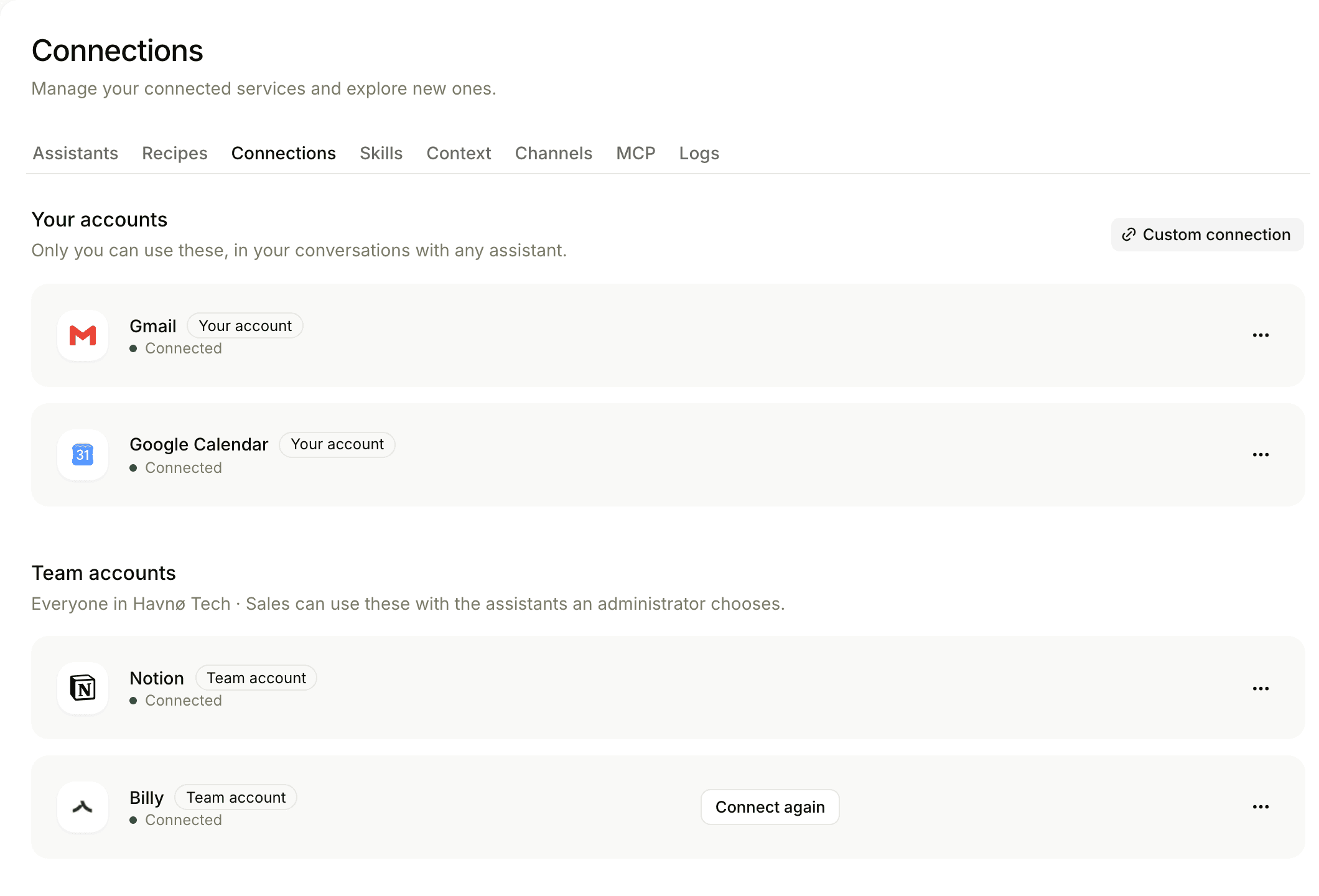
From mailbox to accounting
What an assistant can do depends on the tool. These are the ones you can connect.
 GmailFind and read emails, manage labels, and prepare drafts.
 Google CalendarRead your calendar and prepare events and replies.
 OutlookCalendar sync for meeting prep and recording.
 SlackGive the assistants work from the channels you already use.
 Microsoft TeamsWork with the assistants in Teams.
 NotionSearch pages and work with your documents.
 Google SheetsRead spreadsheets and prepare rows and updates.
 LinearRead issues, projects, customers, and documents, and create or update them with your approval.
 Google Search ConsoleSee which searches bring people to your site.
 Google AnalyticsRead how visitors use your site.
 Bing WebmasterRead search results from Bing and submit new pages with your approval.
 DataForSEOResearch keywords, rankings, competitors and backlinks with your DataForSEO account.
 BillyRead bookkeeping data and prepare invoices in your Billy company.
 e-conomicRead accounting data through your e-conomic agreement.
 StripeRead account, billing, and payment information.
 PayPalRead invoices, transactions, and disputes, and prepare invoices and refunds.
 ShopifyWork with products, orders, collections, and sales data.
 TraedeRead company data available to your account.
 SmoobuWork with properties, reservations, rates, availability, and guest messages.
 PipedriveApproved meeting summaries sync to companies, deals and contacts.
 WebCRMApproved meeting summaries sync to your records.
 KnackApproved meeting summaries sync to your records.
 ClubCoreApproved meeting summaries sync to your member records.
Connected, not handed over
A connection gives an assistant access to help. It does not give it the last word.
Every change is approved
A draft, a page, an invoice or a record update arrives as a proposal. The person who asked approves it.
Personal stays personal
A mailbox or calendar is connected by the person it belongs to and used on their behalf.
Admins set the limits
For accounting, an admin chooses which kinds of change an assistant may propose at all.
Frequently asked
No. The assistants read mail, save drafts and set labels. Sending is always yours.
No. Reading needs no approval, but every change is a proposal that the person who asked has to approve.
A custom MCP server can be connected, and we build CRM integrations to other systems. Ask us about yours.
See it with your own tools
Tell us what your team works in. We show you what the assistants can do there.