
Proposed follow-ups you approve
The meeting is over. Floral already knows what should happen next.
When a meeting summary is approved, Floral reads what was agreed and proposes the follow-ups: a task to create, a record to update, a deal to move. Each proposal comes with the exact passage it is based on. You decide - nothing is written until a person says yes.
From approved summary to proposed action
Your CRM only stays current if someone remembers to update it after every meeting. Floral remembers for you - and asks before it touches anything.
At most three proposals per meeting, each with its evidence
Floral looks at the approved summary and proposes the actions that follow from it - create a task, update a company, person or deal field, or move a deal to a new stage. Never more than three per meeting, and each one points to the sentence in the summary or transcript it comes from.
A personal review inbox
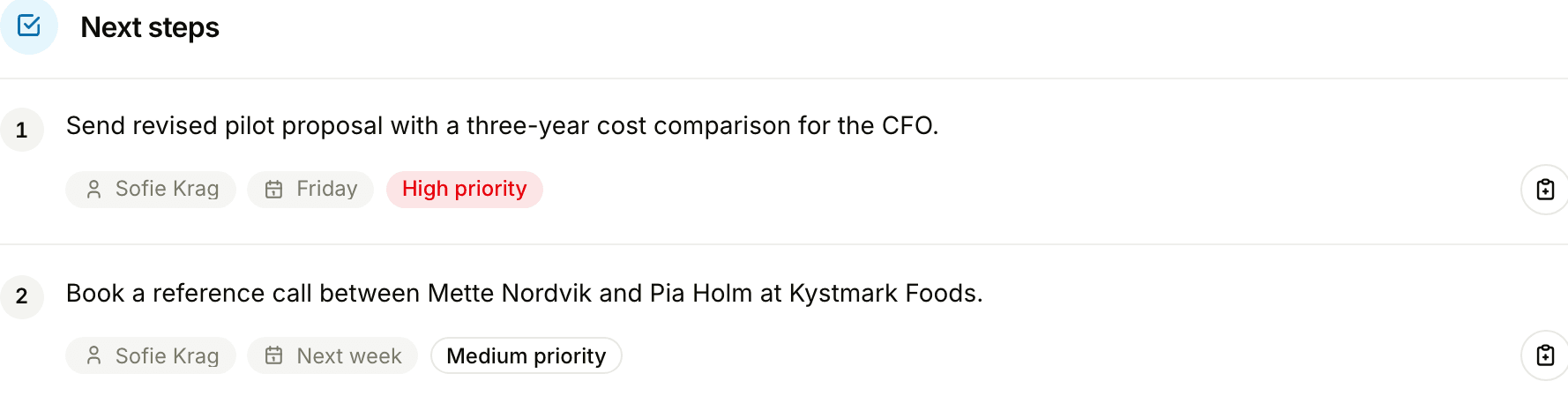
Pending suggestions land in your own inbox, listed by confidence. Apply one as it is, edit it first, dismiss it with a reason, or regenerate the proposals for a meeting. Every applied change is logged in the activity timeline.
Create task: send revised proposal by Friday
High“We can have the revised numbers to you by Friday.”
Move deal to “Proposal sent”
High“Let’s get the proposal in front of the board next week.”
Update company: employees 120 → 145
Medium“We’re at about 145 people now after the merger.”
Useful without being risky
A digital colleague that changes records has to earn trust. These are the rules Floral holds itself to, on every proposal.
Evidence attached
Every proposal is tied to the exact passage in the summary or transcript it is based on. Read the quote, then decide.
Validated against real records
Proposals are checked against the companies, people, deals and pipeline stages that actually exist in your workspace before you ever see them.
Nothing beats a weak guess
When the conversation does not clearly support an action, Floral proposes nothing. An empty inbox is better than a wrong one.
A person approves every write
Suggestions are just that. Nothing is created, updated or moved until someone with the right access applies it.
Edit, dismiss or regenerate
Adjust the task, the value or the stage before applying. Dismiss with a reason. Or regenerate the proposals for a meeting when the summary has changed.
Logged in the activity timeline
Every applied change shows up in the timeline of the record it touched - so the team always knows what changed and which meeting it came from. Internal meetings never produce suggestions.
Pairs well with
AI meeting summaries
Proposals are built from the approved summary - approve it, and the follow-ups appear.
AI assistant
Ask for the work when you know the question; let proposals cover the rest.
Activity timeline
Every applied suggestion is logged here, next to meetings, notes and deal changes.
Frequently asked
Three kinds: create a task, update a field on a company, person or deal, or move a deal to another stage. Floral proposes at most three actions per meeting, and only after the meeting summary has been approved.
No. Nothing is written without a person approving it. A proposal sits in your review inbox until you apply it, edit it and then apply it, or dismiss it.
Every proposal is tied to the exact passage in the summary or transcript it is based on, so you can read the evidence before you decide. Proposals are also validated against the real records in your workspace - a deal stage that does not exist is never suggested.
It proposes nothing. Floral prefers an empty inbox over a weak guess, so the suggestions you do see are worth your time.
Yes. Change the task title, the deadline, the field value or the target stage before you apply. You can also dismiss a suggestion with a reason, or ask Floral to regenerate the proposals for a meeting.
No. Meetings marked as internal never produce suggestions. Proposals are only made for meetings with customers and other external parties.
Yes. Every applied change is logged in the activity timeline of the company, person or deal it touched, so the team can always see what changed, when, and from which meeting.
Insights
Read more
9 min read
Five pipeline signals hiding in your sales conversations
Your sales conversations contain signals that predict which deals will close and which will stall. Most teams never see them. Here are five conversation-level patterns that leading revenue teams are tracking to improve forecast accuracy and prevent revenue leak.
Let the follow-ups propose themselves
Record a meeting, approve the summary, and see what Floral suggests. Free for 7 days, no card needed.